Go to account.squarespace.com
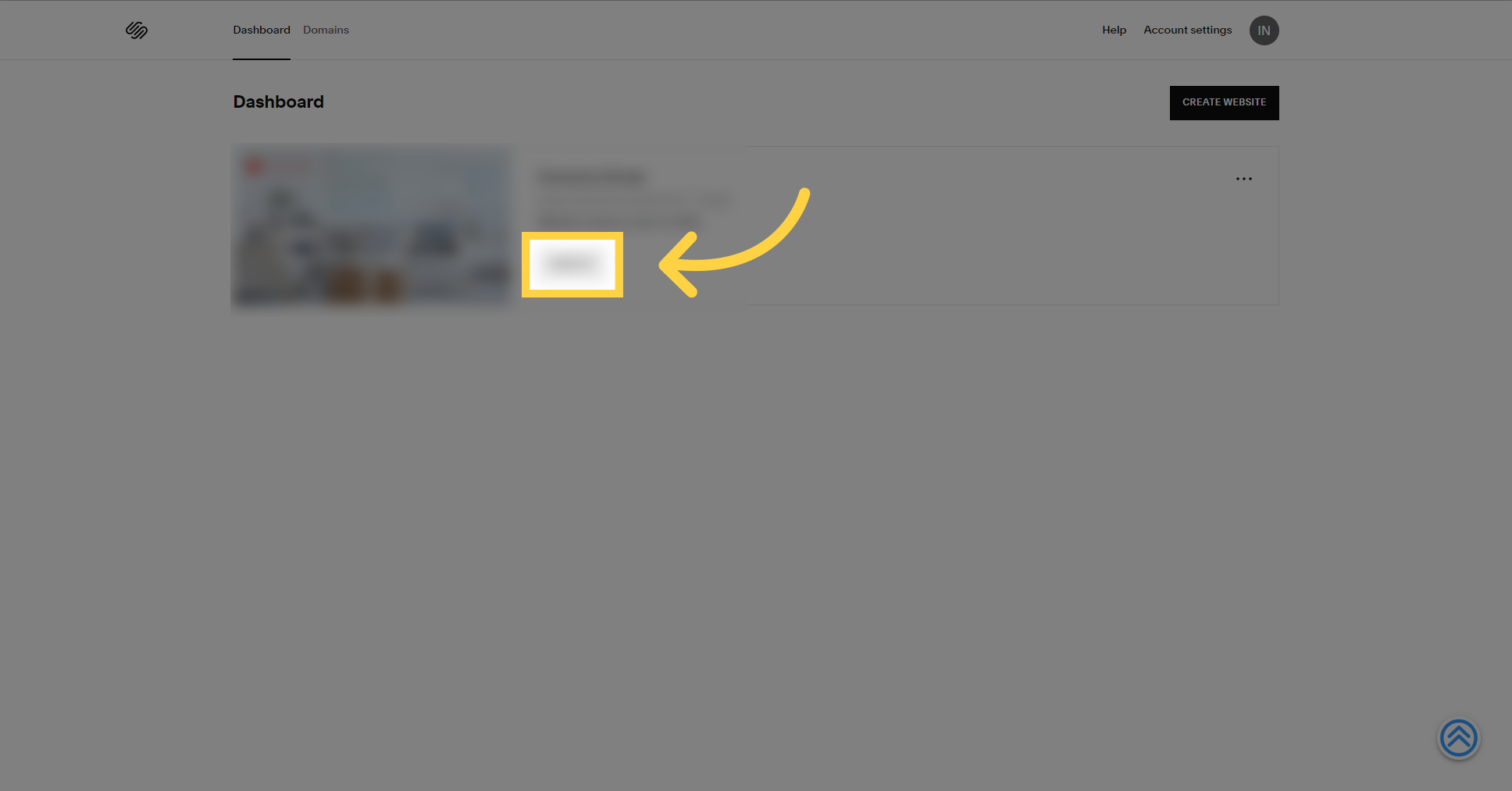
1. Click "Website"
Click on "Website"
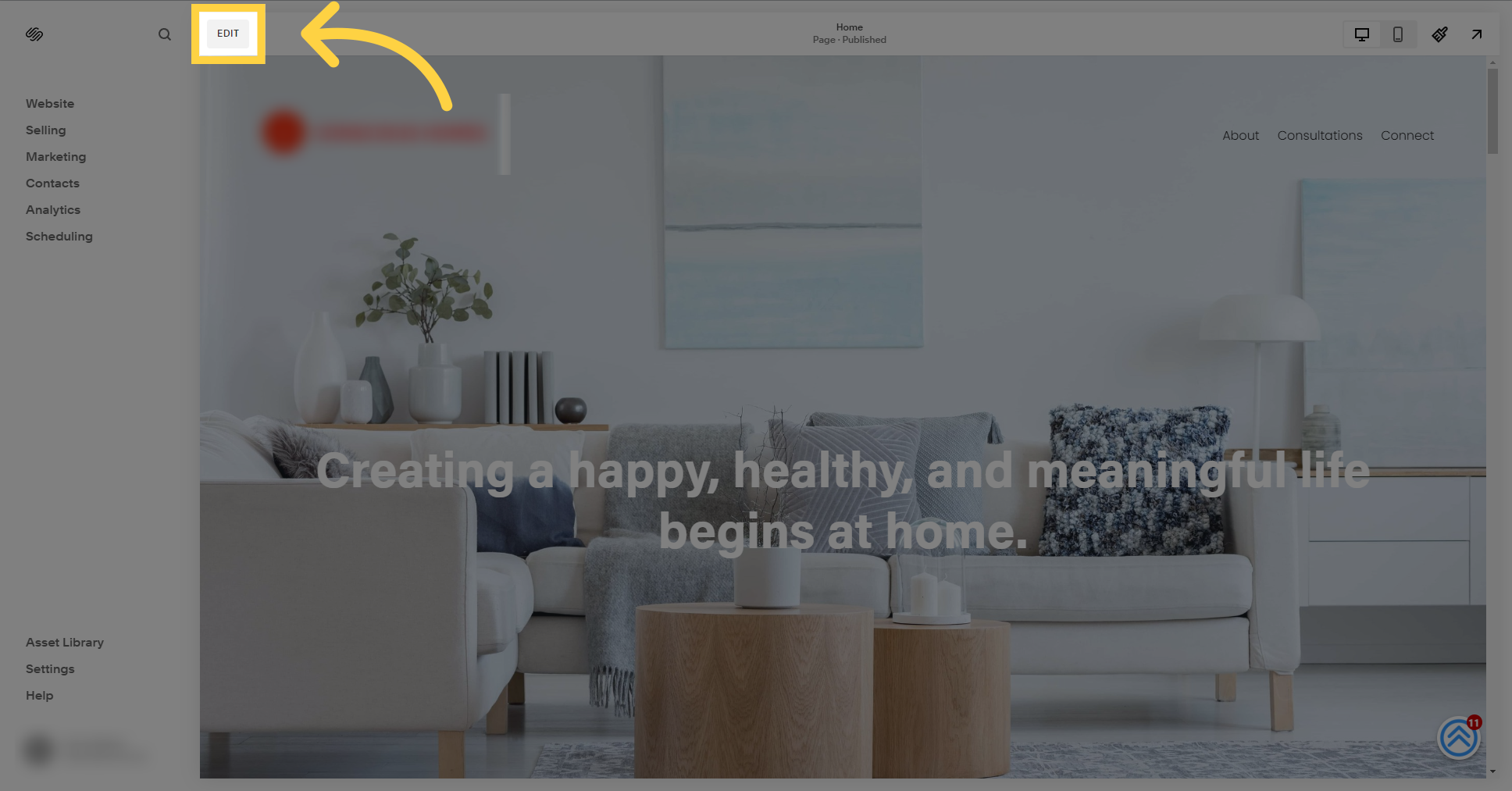
2. Click "Edit"
Select the "Edit" option.
3. Scroll to the bottom of the page
Scroll to the bottom of the page.

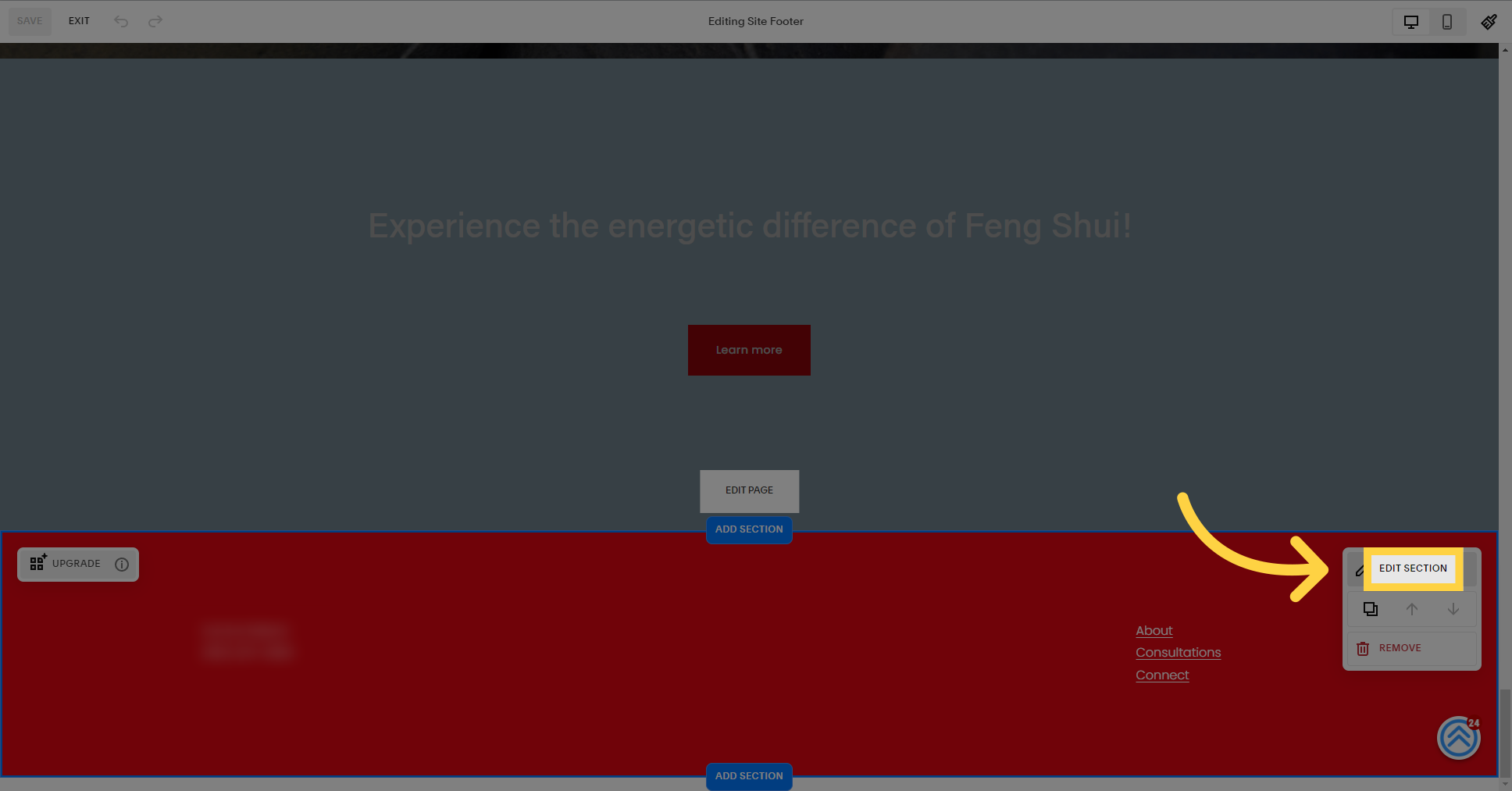
4. Click "Edit Section"
Select the "Edit Section" option.
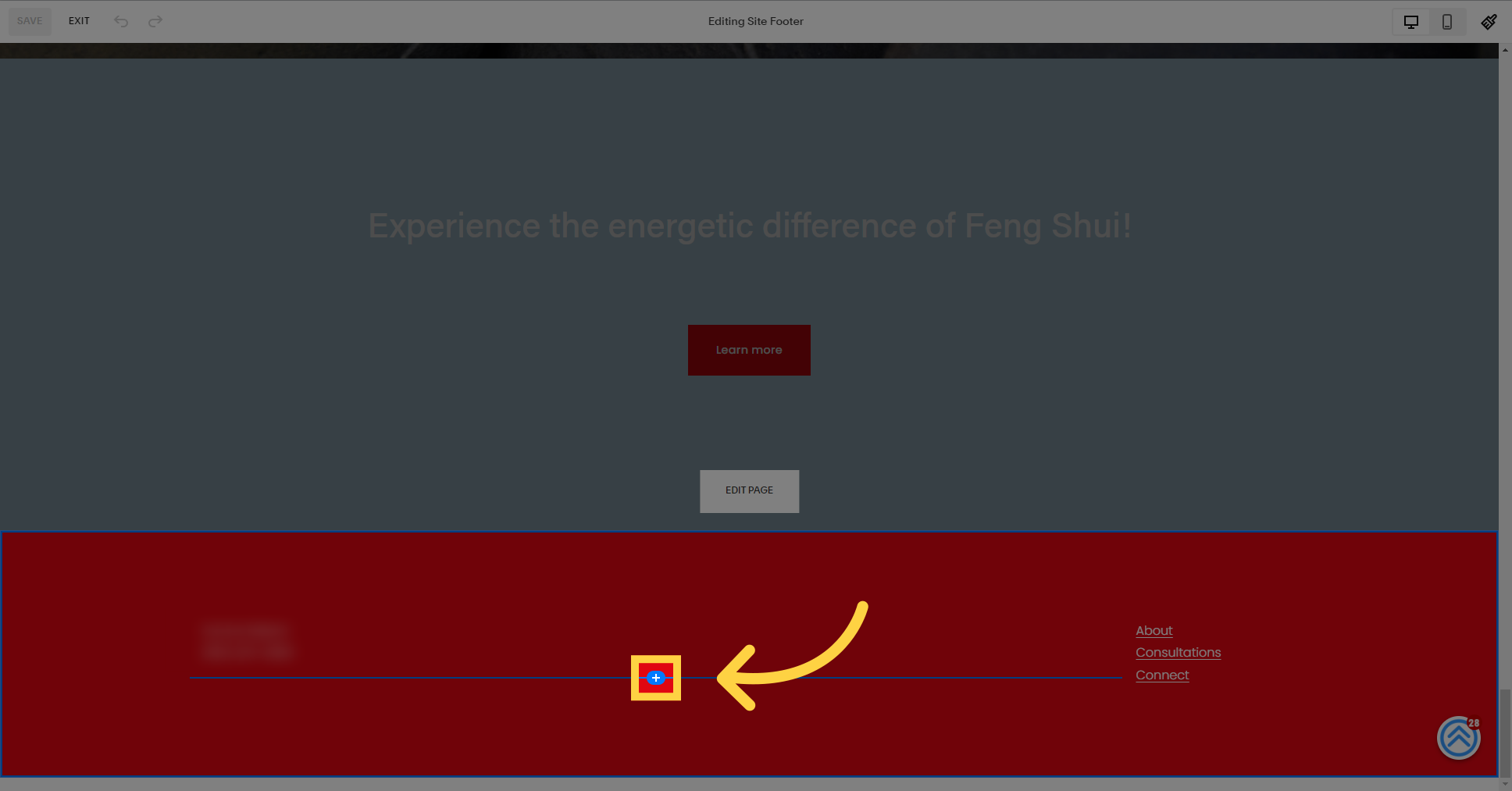
5. Click the + button
Select this field
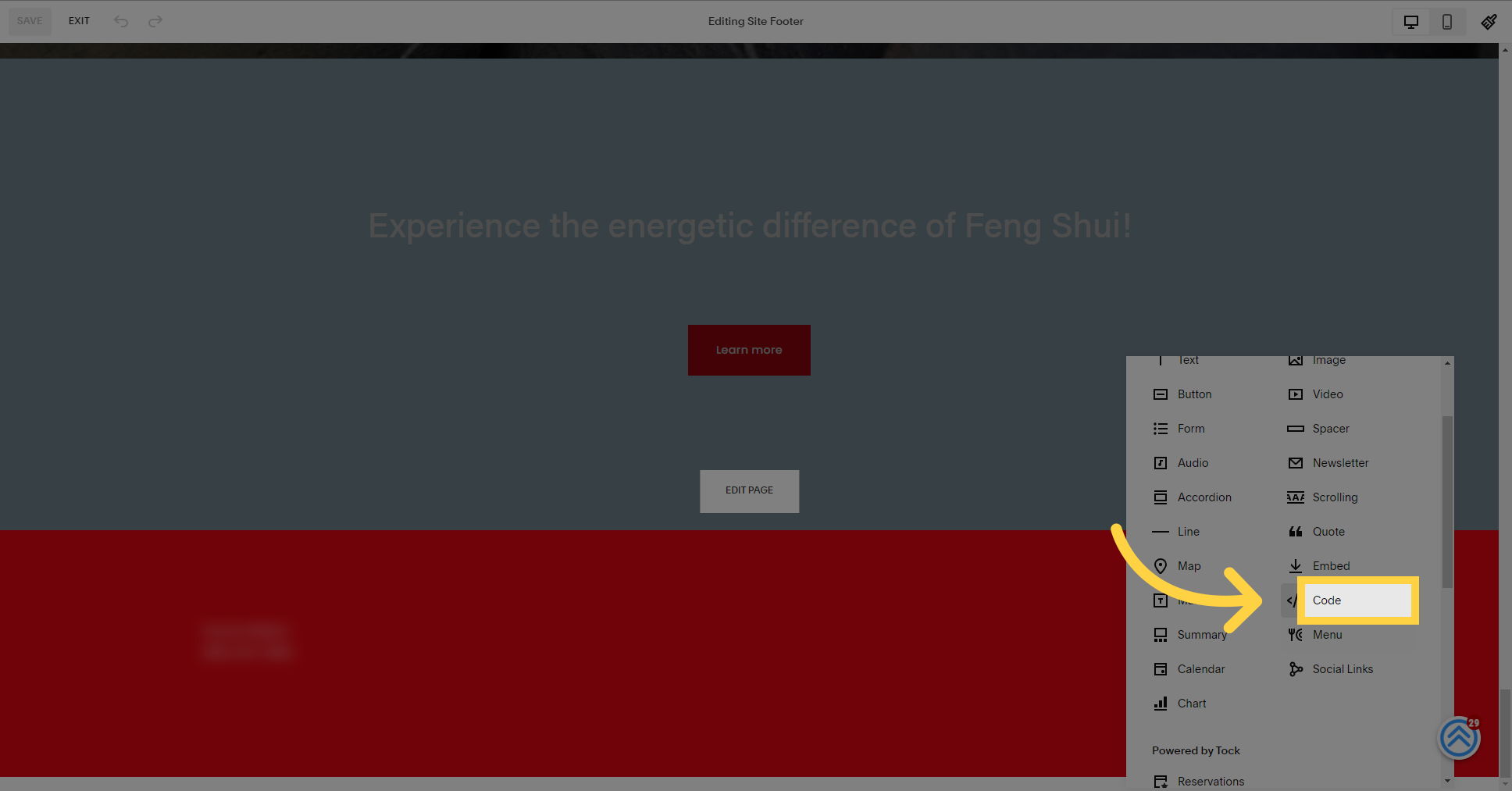
6. Click "Code"
Choose the "Code" option.
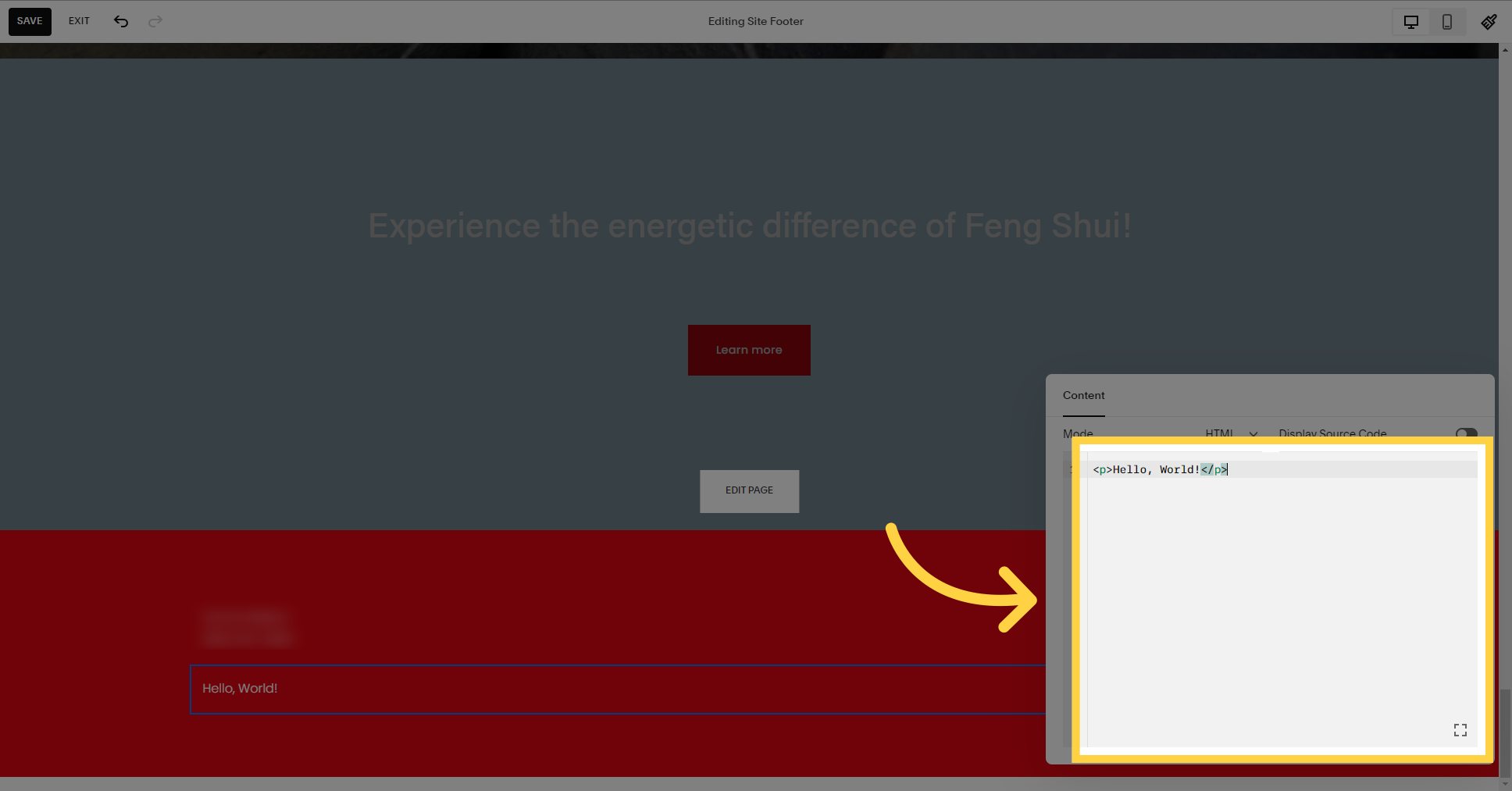
7. Delete the "Hello, world" text
Delete the "Hello, world" text
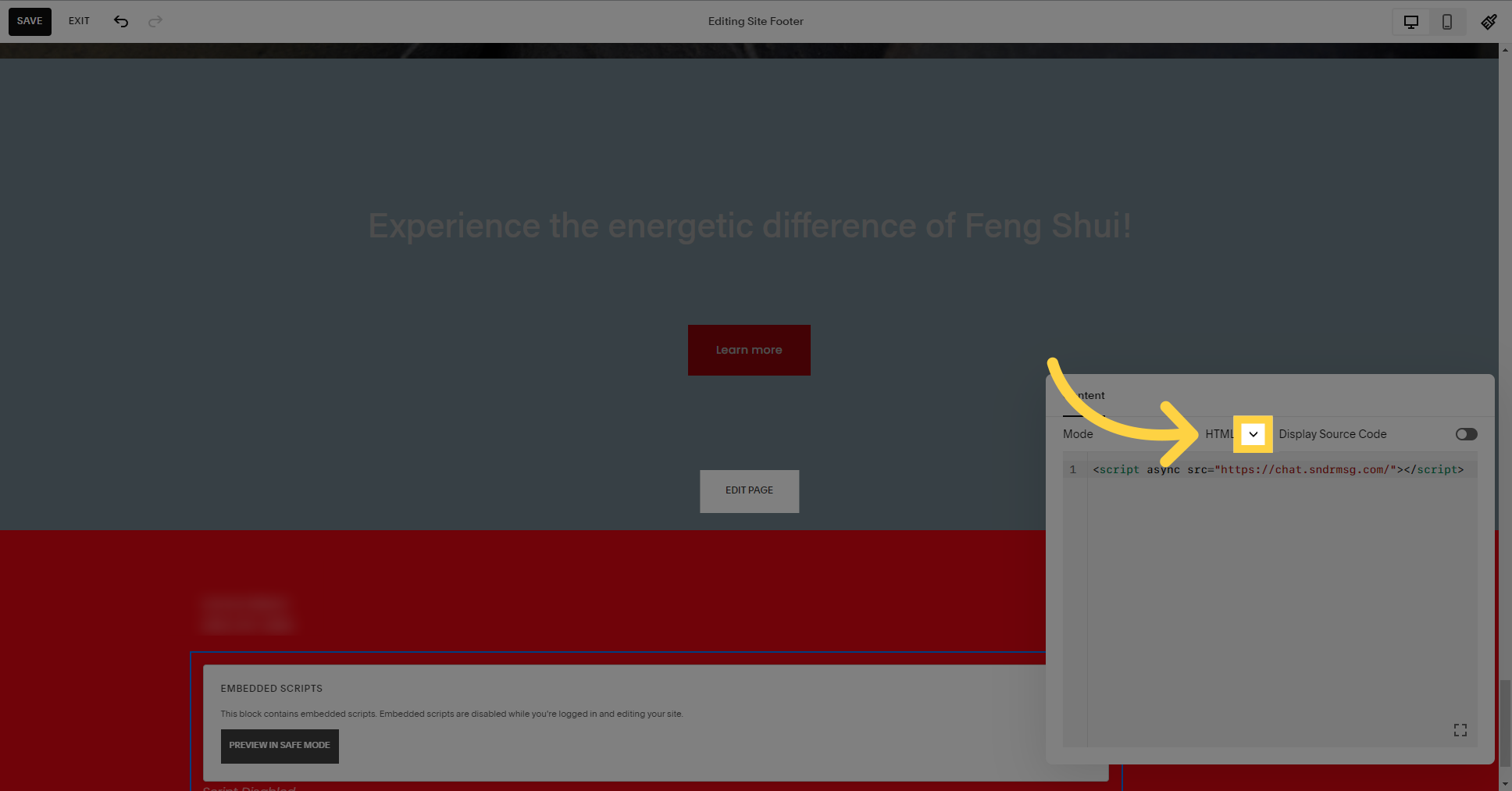
8. Click here
Add your bot script.
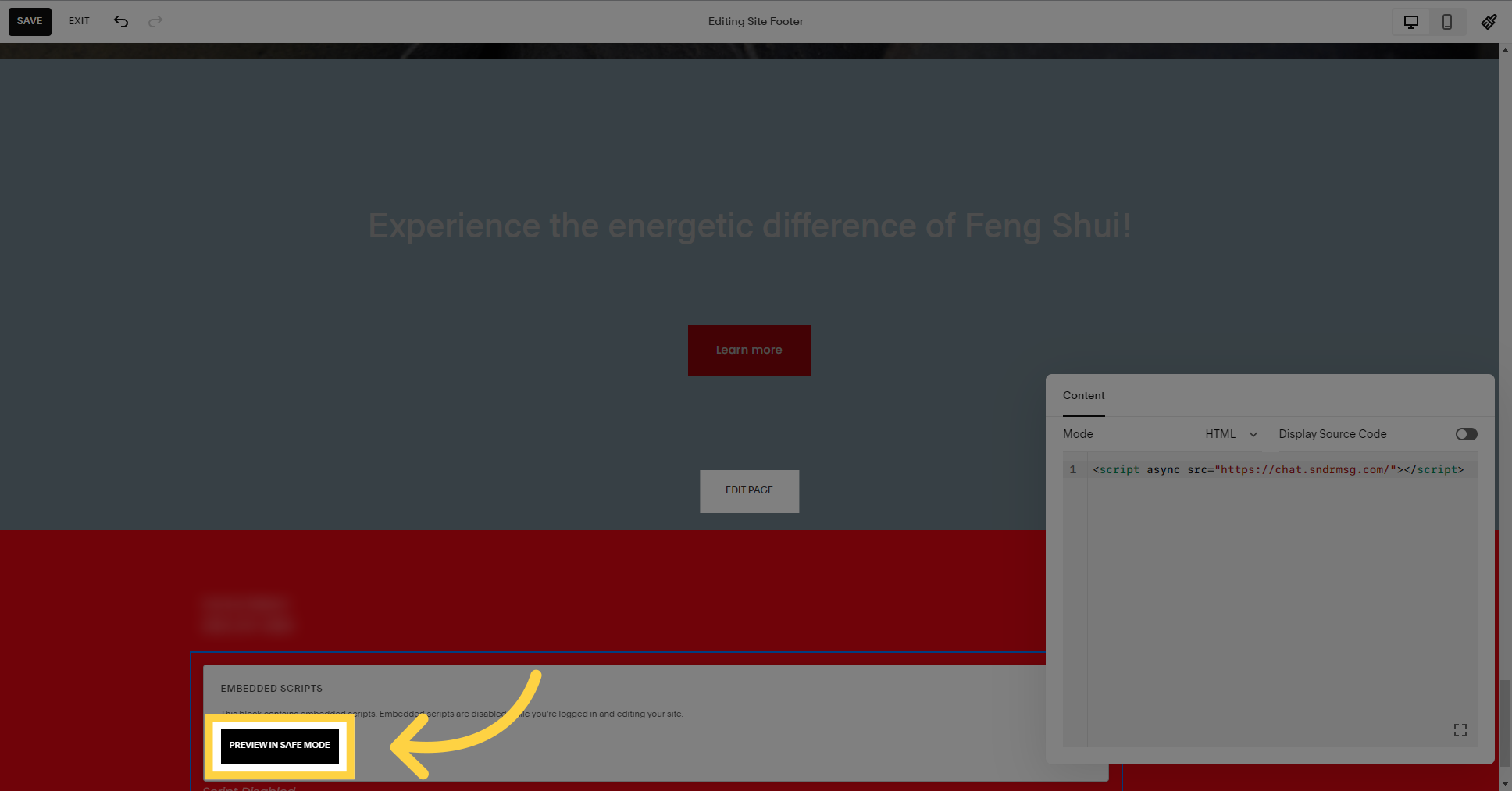
9. Click "Preview in safe mode"
Select the "Preview in safe mode" option.
10. Click "Save"
Select the "Save" option.

This guide covered the step-by-step process of installing our bot on your Squarespace website. By following these instructions, you can successfully integrate the bot and optimize your website's performance.