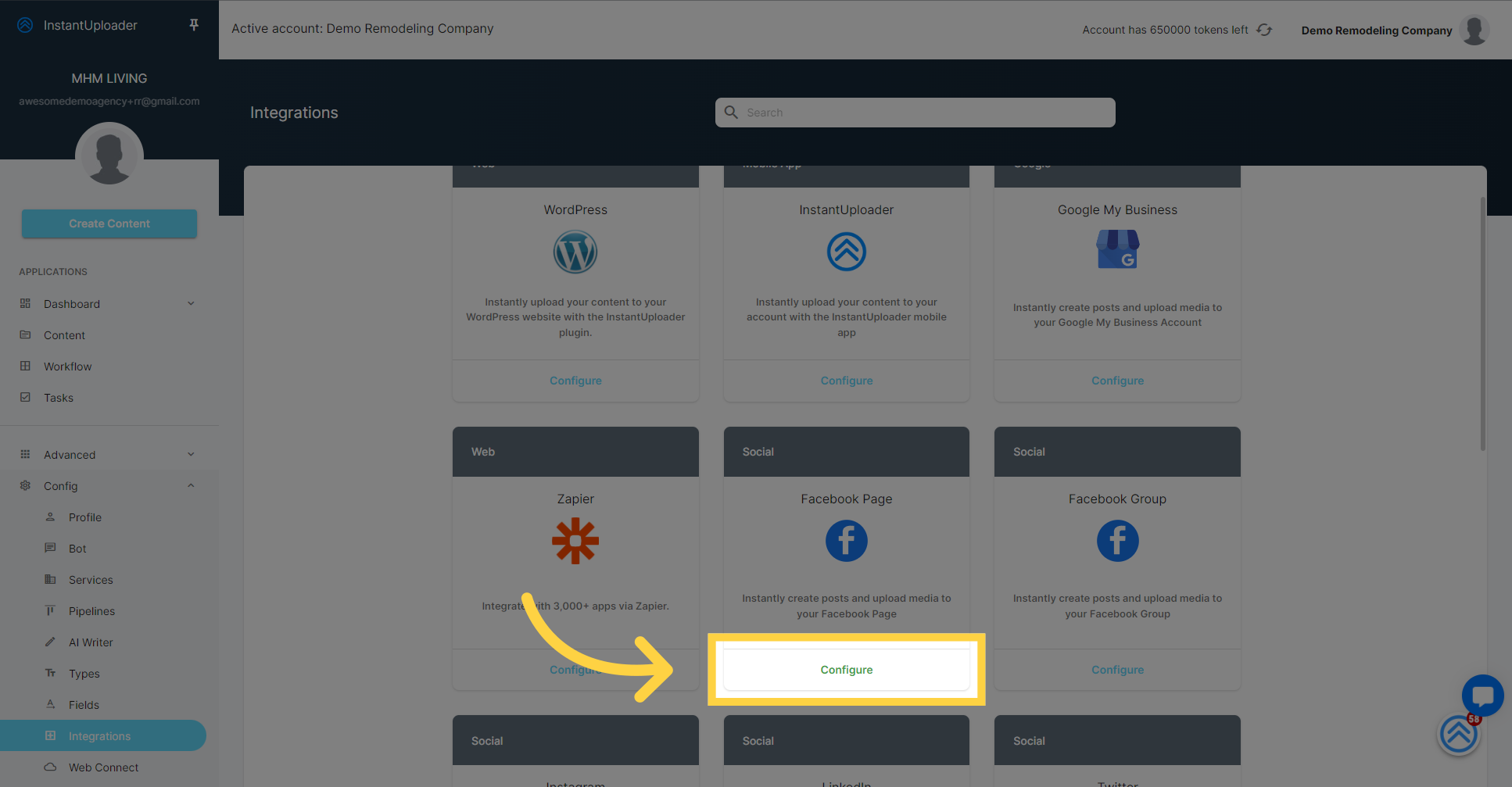
Go to app.instantuploader.com
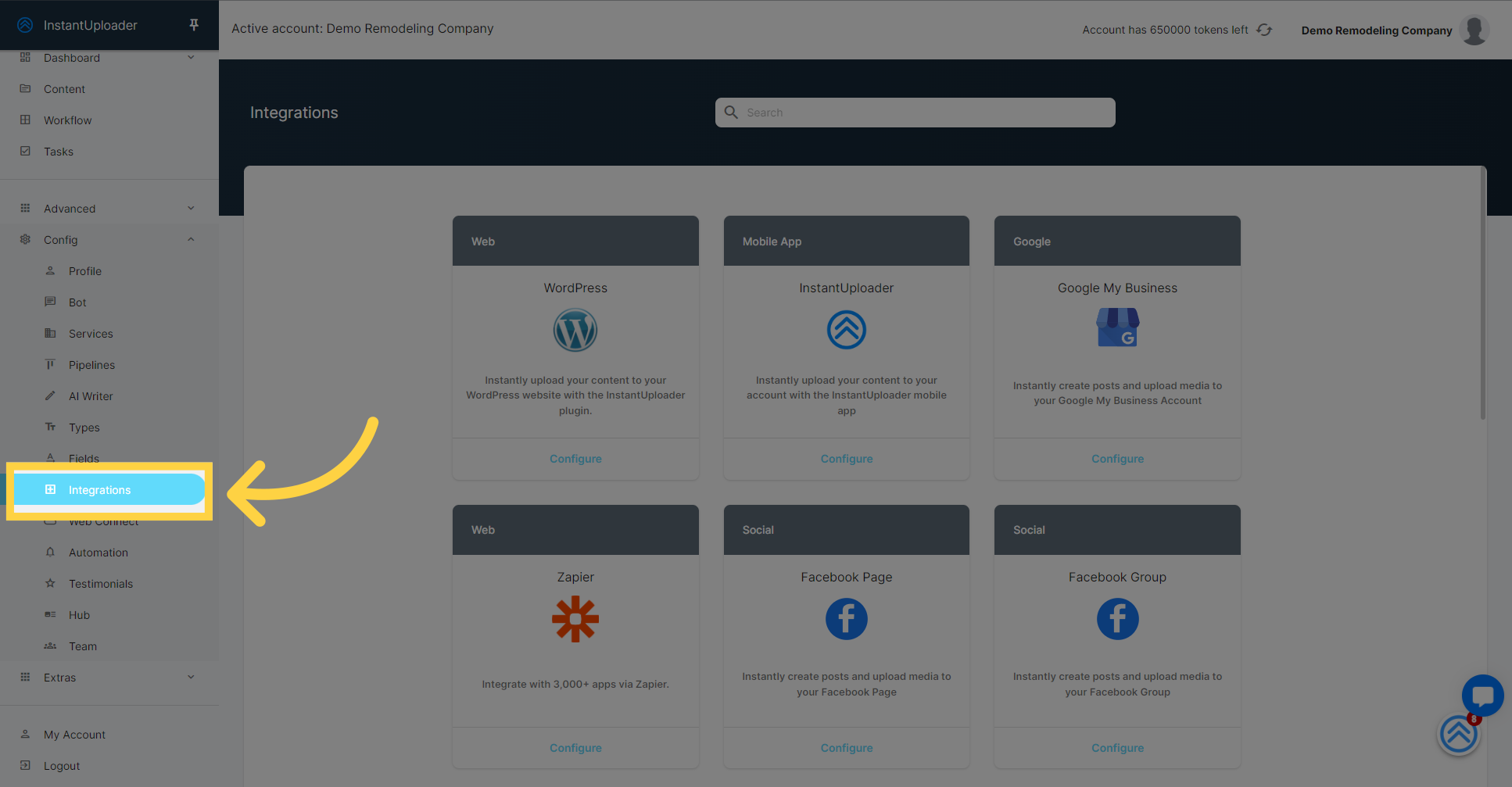
1. Click "Integrations"
First things first, navigate to the 'Integrations' section by clicking on the 'Integrations' option within the configuration menu. This is where you'll find all the potential integrations available to you.
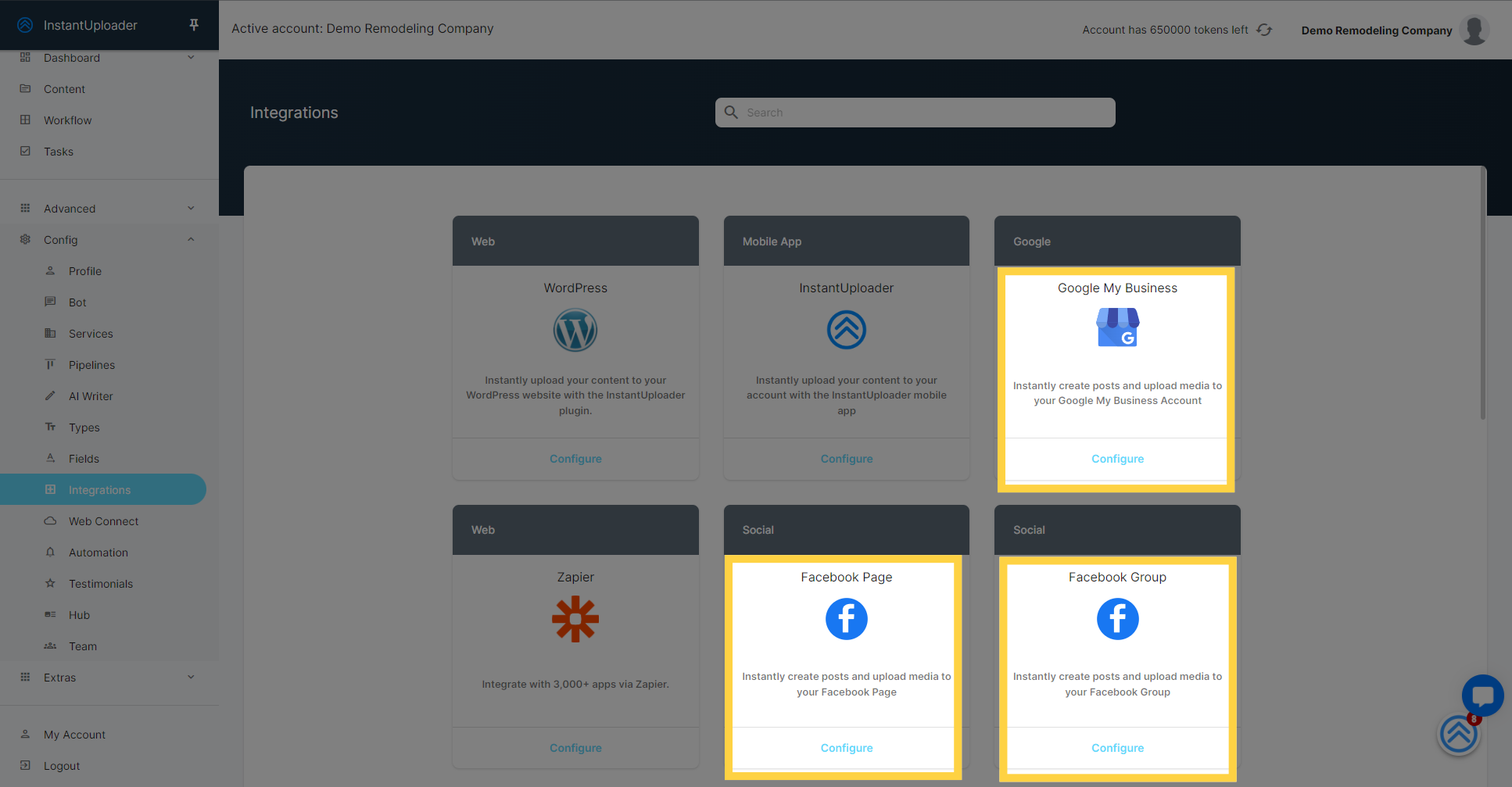
2. Exploring Integration Options
On the Integrations page, you'll see a list of social media platforms that you can integrate with. These include Google Business Profile, Facebook Page, Facebook Groups and many more.
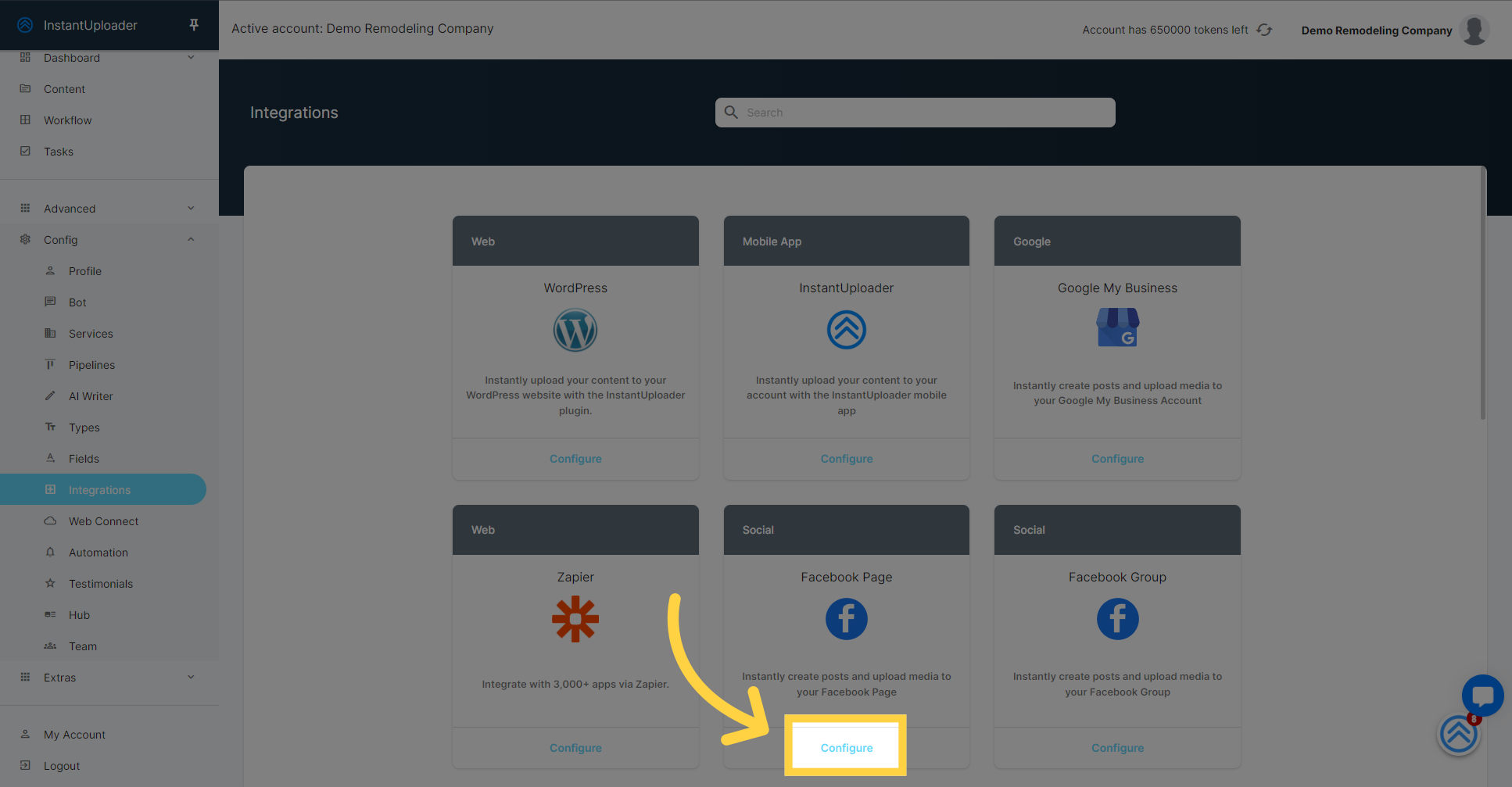
4. Initiate the Integration Process
To begin integrating your chosen social media account, click on the 'Configure' button next to the platform you want to connect with. For this guide, we'll connect a Facebook account.
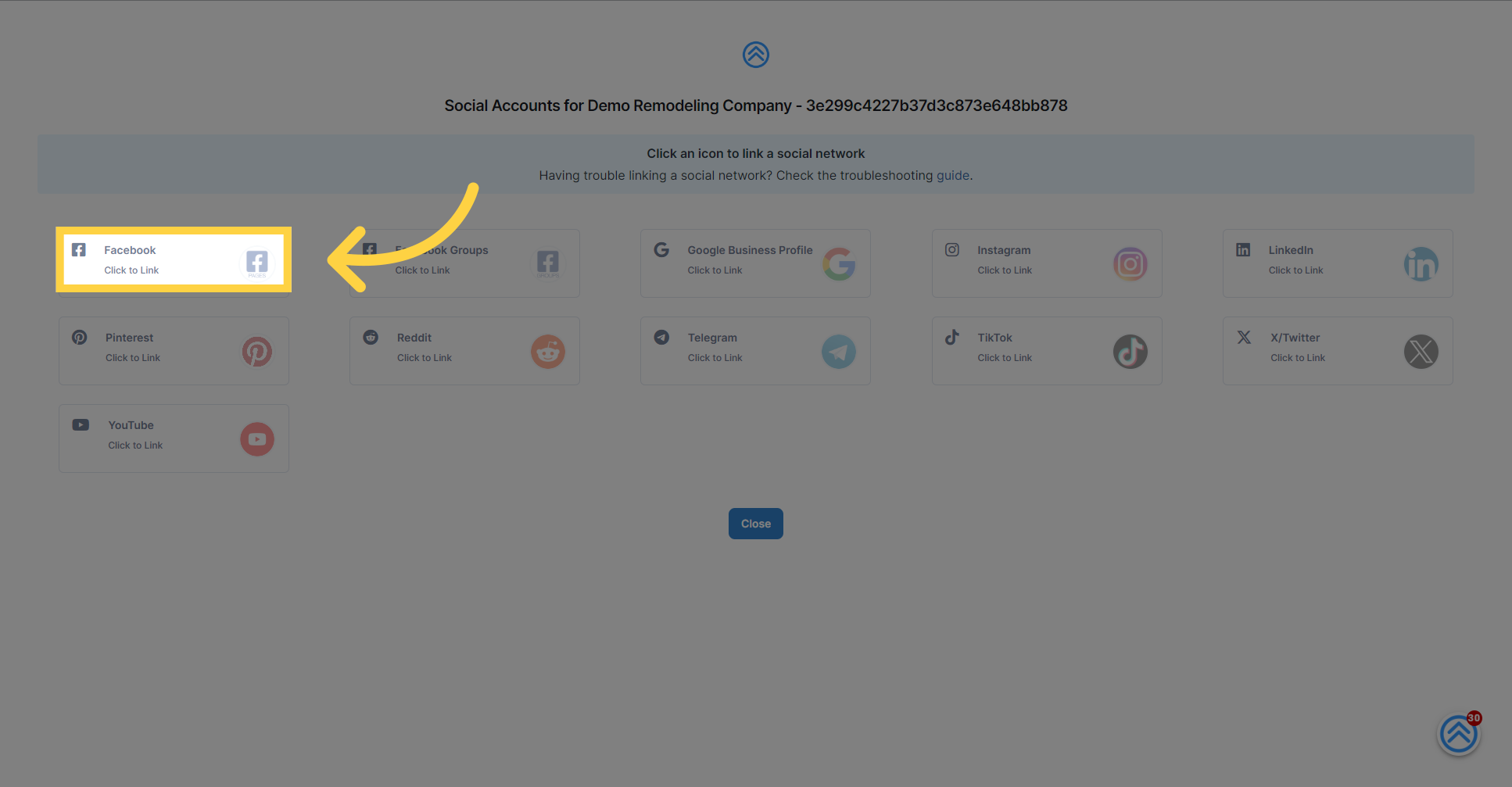
5. Select Your Social Media Platform
Select the specific social media platform you wish to integrate. In our example, we'll click on Facebook to proceed with the integration.
6. Log into Your Social Media Account
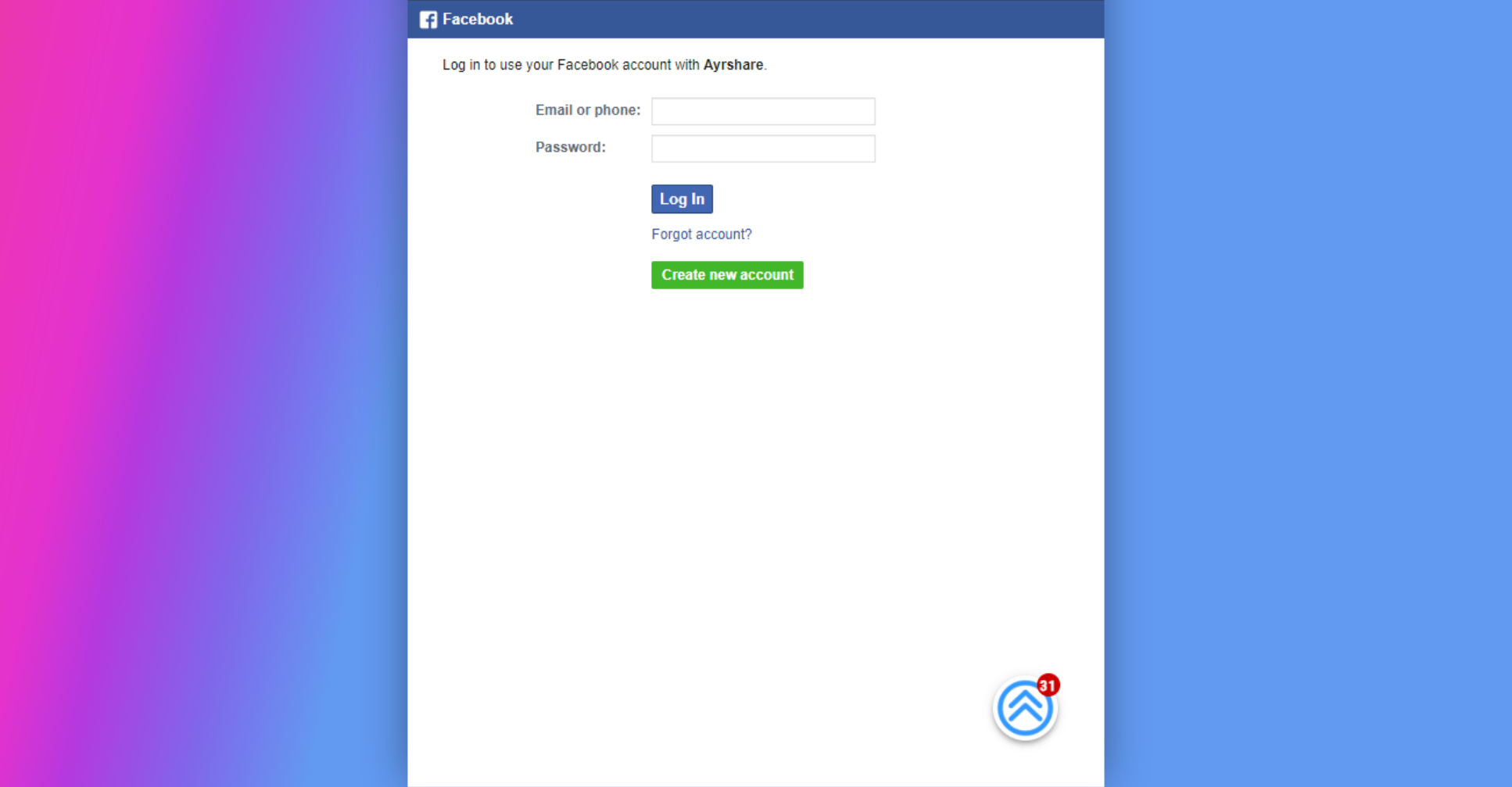
Once you've selected Facebook, you'll be asked to enter your login details for your Facebook account. Go ahead and fill in the required information to continue.
7. Complete the Integration
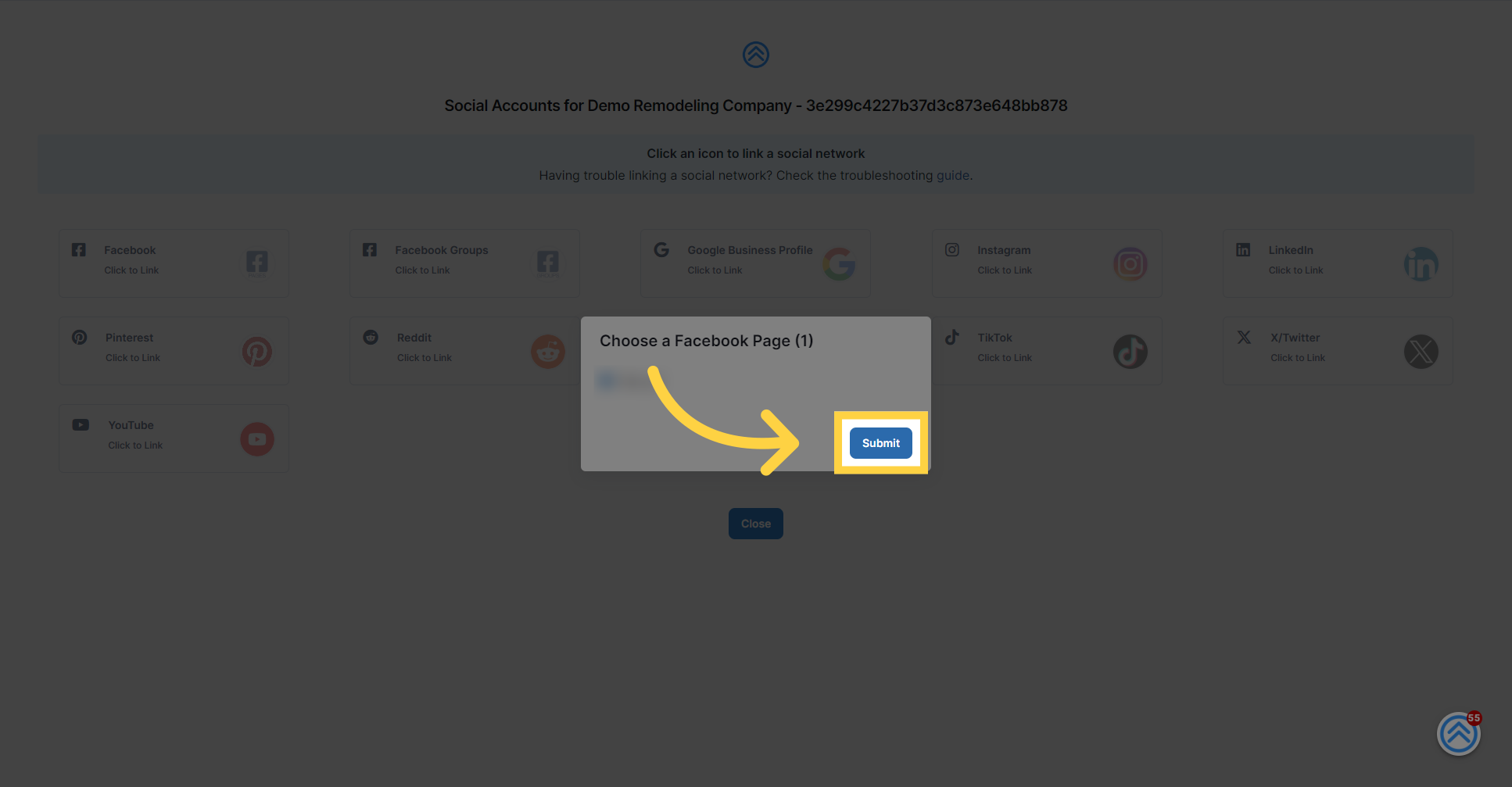
After logging in, simply follow the on-screen instructions. The integration process is quick and should only take a few seconds. Once completed, you'll be able to post directly to your social media account from our platform.
8. Click "Close"
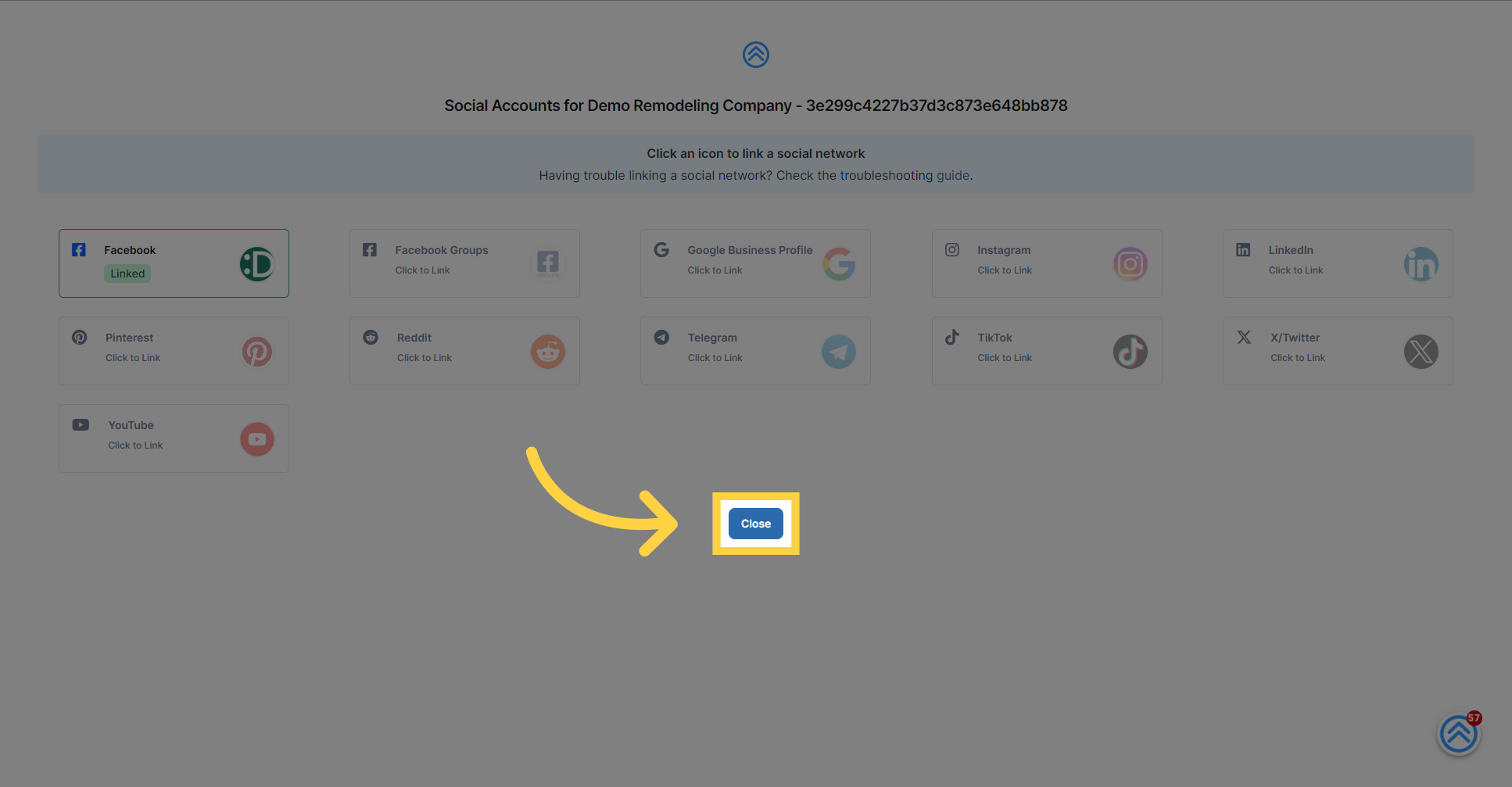
Close the dialog box
9. Verify successful integration
If "configure" changes to green, that means the integration has been successfully completed.